ClockWise HRGuideTraining certificates
Training certificates
Once a session is completed, everyone who attended — and passed, where the program is assessed — can be given a numbered PDF certificate, one at a time or all together. A certificate can be revoked, with a reason, but never deleted.
- The session must be completed — see A session’s status.
- Seeing, issuing and revoking certificates are three permissions. In the demo the training coordinator can see and download certificates but not issue them.
Who is eligible:
| On the roster | Certificate |
|---|---|
| Attended or Partially Attended, program not assessed | yes |
| Attended or Partially Attended, result Pass | yes |
| Result Fail | no |
| No Show, Excused, still nominated or confirmed | no |
1Open the certificates
On the completed session, open Certificates.
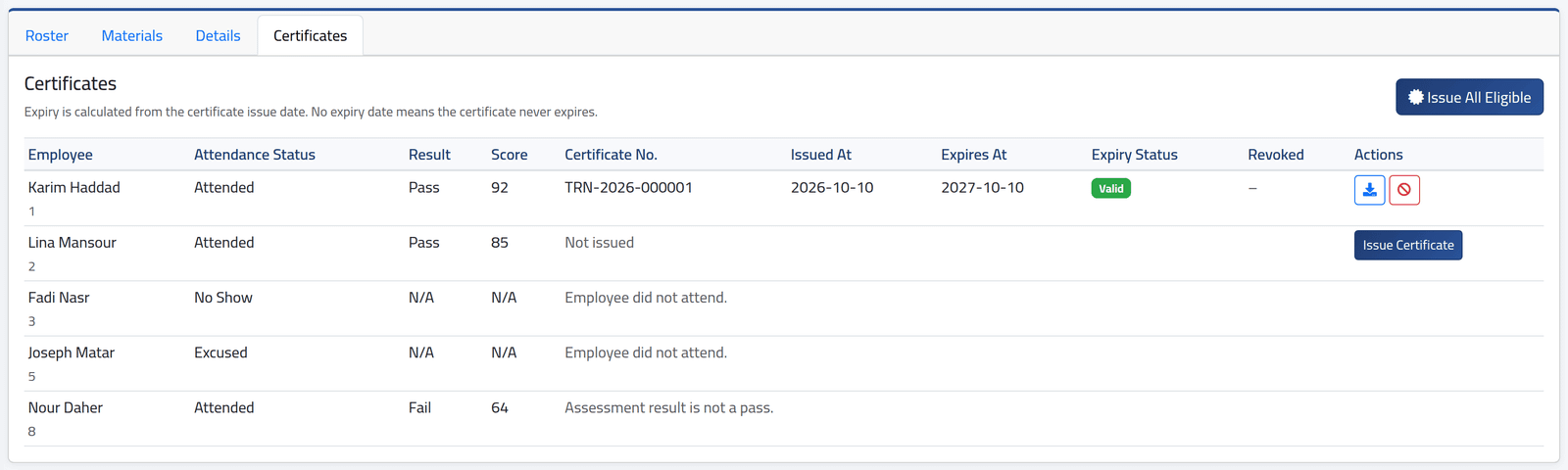
Each person who already has a certificate shows its number, issue and expiry dates and whether it is Valid, expiring within 30 days, or expired. Each person without one shows why — Employee did not attend., Assessment result is not a pass. — or Issue Certificate if they qualify.
2Issue them
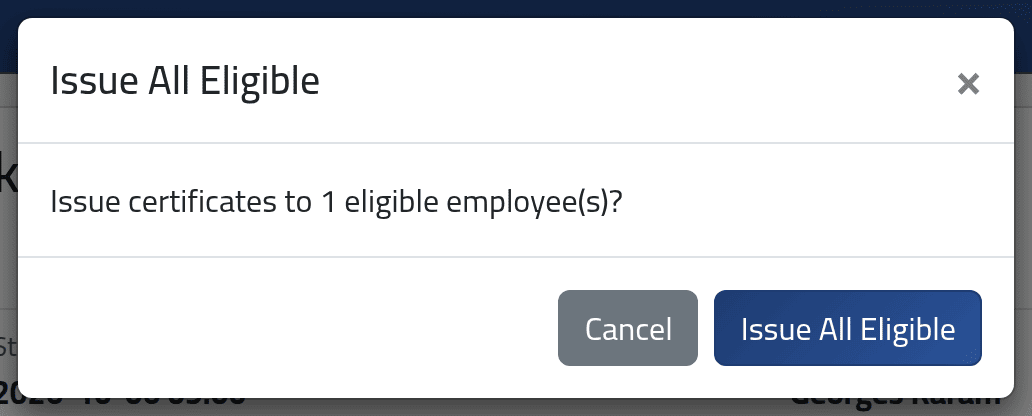
Issue Certificate on a line issues one; Issue All Eligible issues one to everyone who qualifies and has none. Confirm.
Each certificate gets the next number of the year — TRN-2026-000001,
TRN-2026-000002 — and a PDF with the company’s name, the person, the
program and session dates, the trainer, the result and score.
A certificate is dated the day it is issued, not the day of the training. Its expiry is counted from that date by the program’s Certificate Validity (months). Karim Haddad trained on 6 October, his certificate was issued on 10 October, and it expires on 10 October 2027. Issue certificates promptly after the session.
3Revoke one
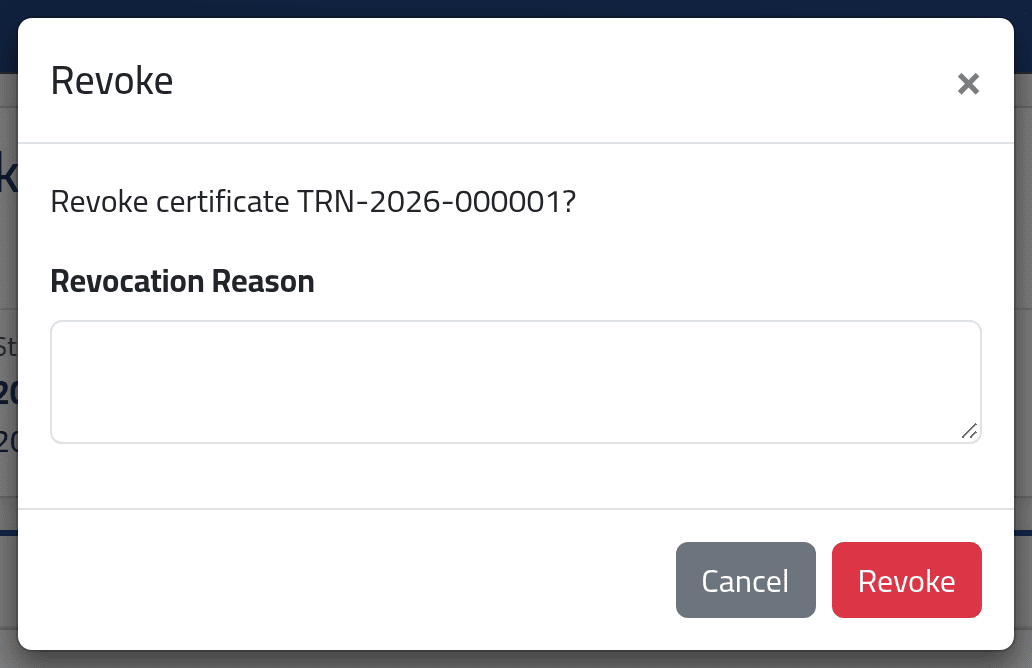
The red button beside a certificate revokes it. Give the Revocation Reason and click Revoke.
What happens next
The blue button downloads the PDF; it is also on the roster and on the employee’s file (see An employee’s training record).
A revoked certificate stays listed, marked Revoked with its reason, and can no longer be downloaded. The person’s attendance unlocks again, and if they still qualify, a new certificate can be issued — with a new number.
If it goes wrong
| What you see | What it means |
|---|---|
| Session is not completed. | Complete the session first. |
| Assessment result is not a pass. | Their score is below the program’s pass score. |
| No eligible employees to issue certificates for. | Everyone who qualifies already has one. |
| This certificate has been revoked and cannot be downloaded. | Issue a new one if they still qualify. |
| No Issue Certificate | The session is not completed, the person does not qualify, or your account may not issue certificates. |