ClockWise HRGuideEmployee levels
Employee levels
A level is a grade — Staff, Supervisor, Manager — given to each employee. Switching a level off removes it from the employee forms, which has a consequence for the people who still hold it.
One permission covers the whole screen.
1Open the levels
In the menu on the left, under Company, click Employee Levels.
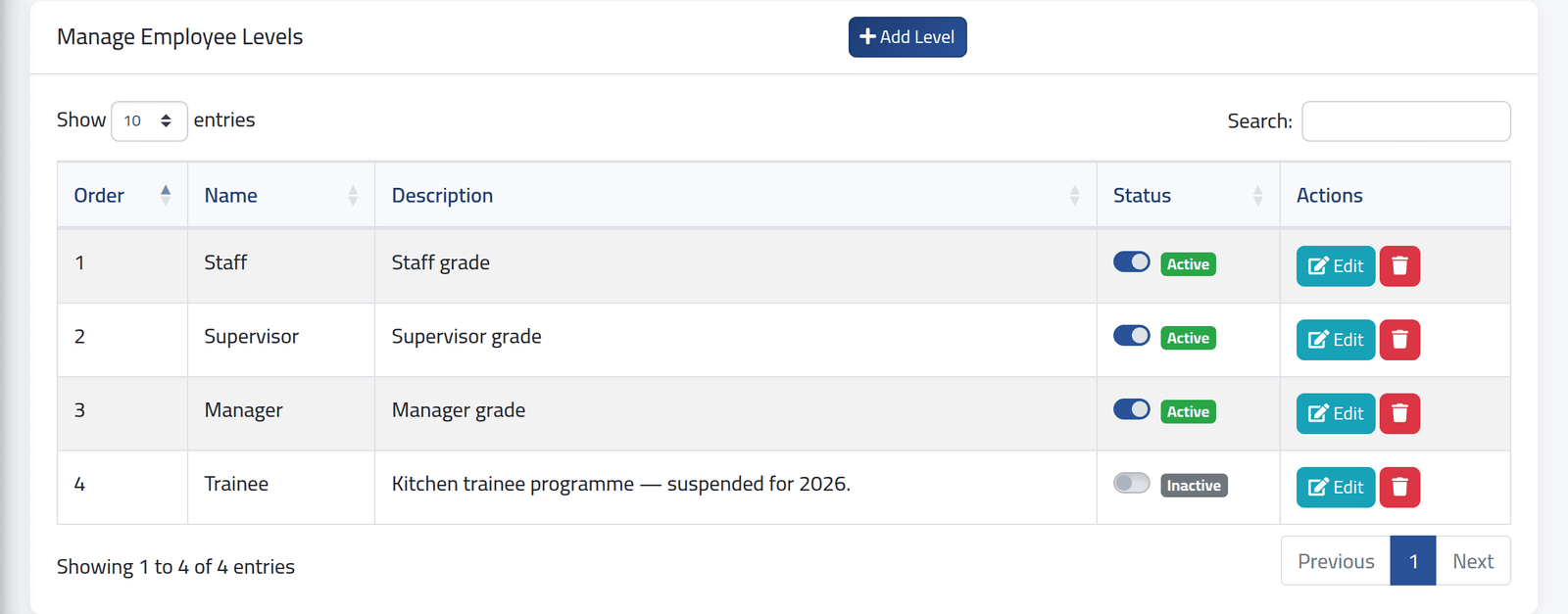
Each level in Order, with its description and whether it is Active. The order is the order the levels are offered in.
2Add one
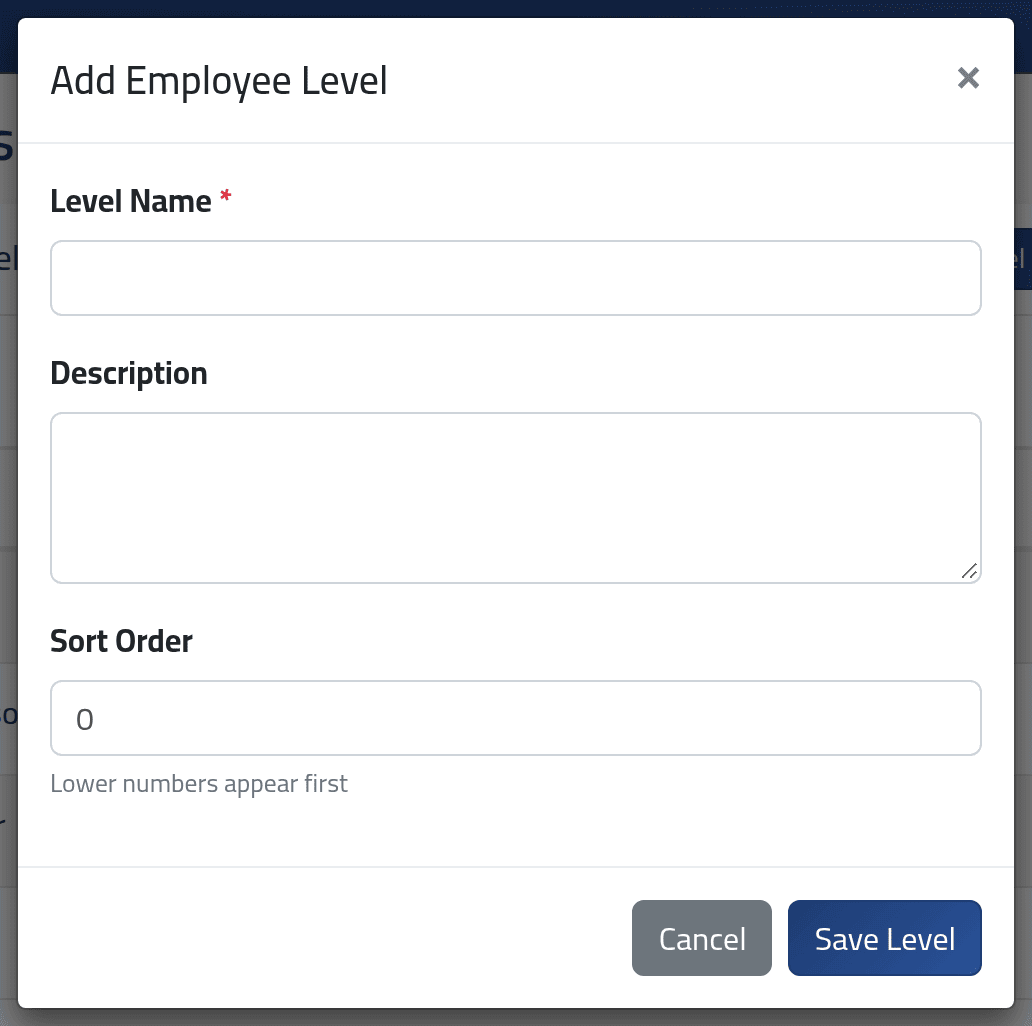
Click Add Level: Level Name (each name once), Description, and Sort Order — lower numbers come first. Click Save Level.
3Switch one off
Click the switch on the level’s row. It saves at once.
In the picture, Trainee is switched off: the trainee programme is suspended.
What happens next
A level switched off is no longer offered on the employee forms.
Someone who still holds a switched-off level cannot have their employment details saved until they are given another one. Their file shows no level selected, and the form refuses to save. Move everyone off a level before you switch it off — or be ready to choose a new level for each the next time their details change.
A level held by anyone cannot be deleted; switch it off instead.
If it goes wrong
| What you see | What it means |
|---|---|
| Cannot delete level ‘…’: it is assigned to … employee(s). | Switch it off instead. |
| An employee’s Level shows Select level | Their level was switched off. Choose another. |
| The name has already been taken. | A level of that name exists, perhaps switched off. |