ClockWise HRGuideClosing and reopening a tips run
Closing and reopening a tips run
Closing freezes the amounts so they can be printed, signed for and paid. A closed run can be reopened, with a reason, until the first person is paid — after that, never.
Check the run: amounts, dismissals, notes. Closing and reopening are separate permissions.
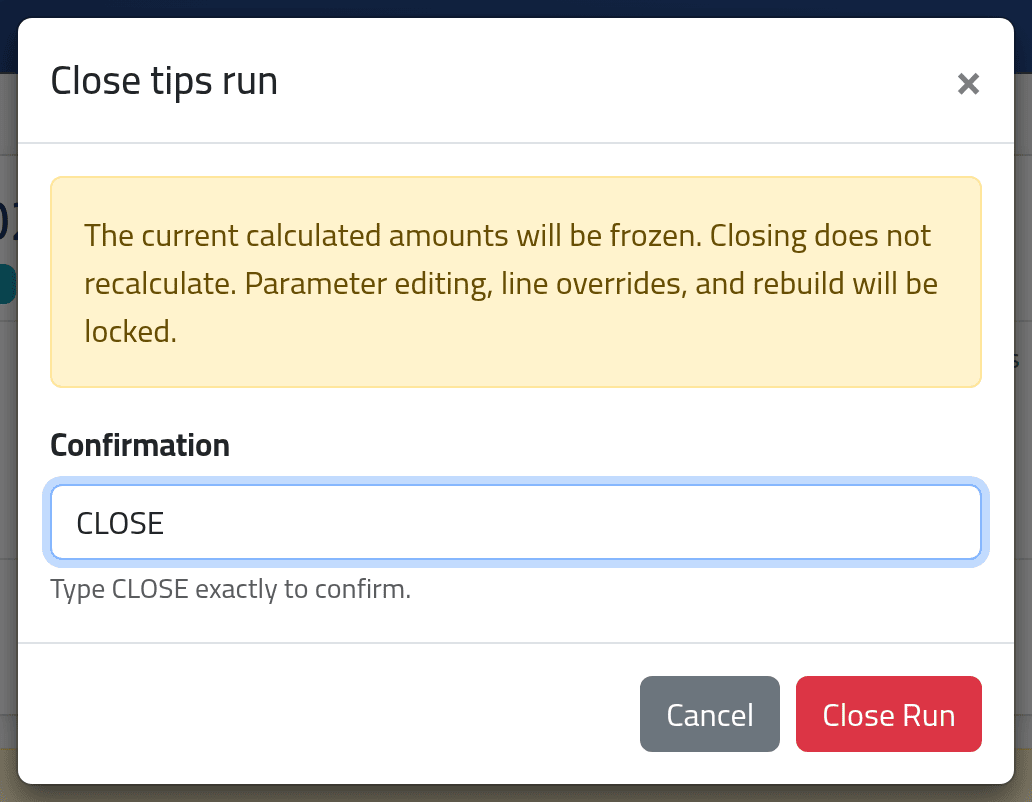
1Close
On the run, click Close Run, type CLOSE and click
Close Run.
The amounts are frozen as they are: closing does not recalculate. Parameters, line changes and rebuilding are locked.
2Reopen
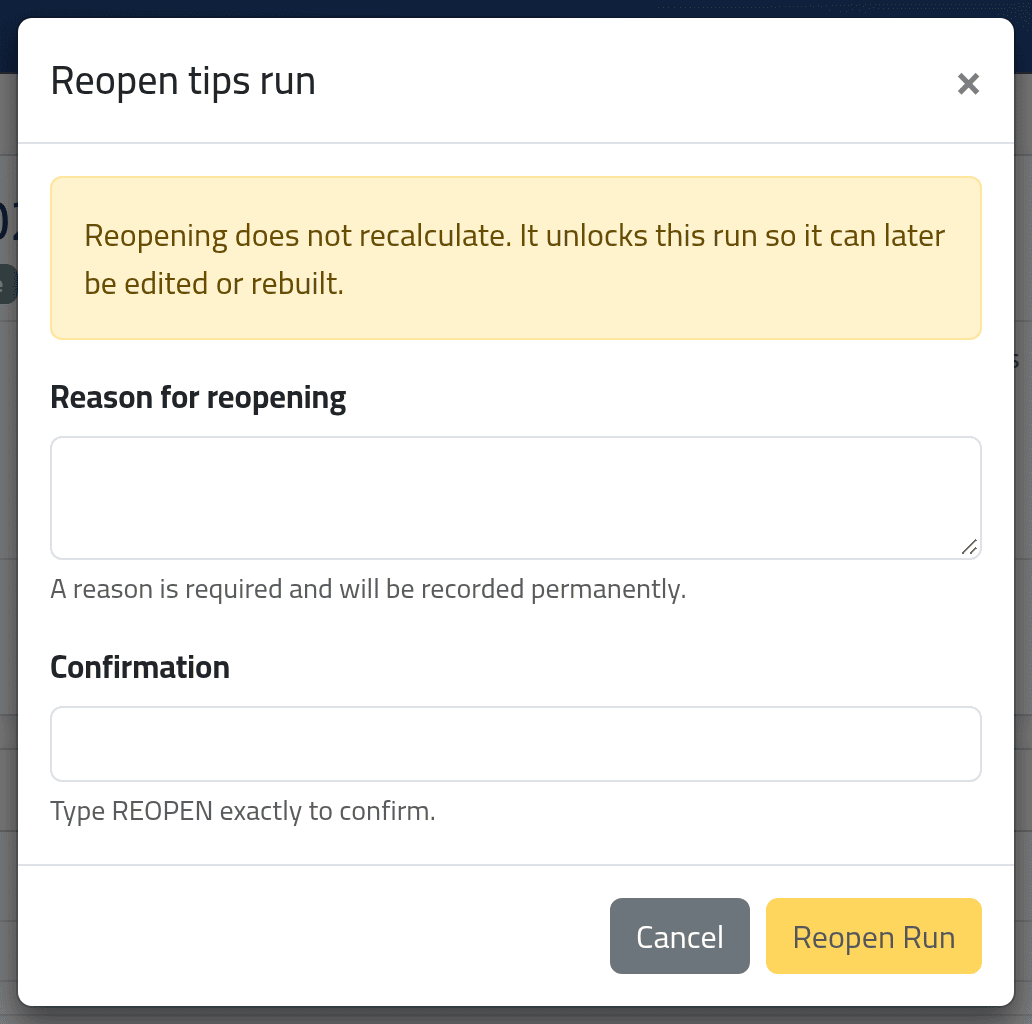
On a closed run with nobody paid yet, click Reopen Run, give a
Reason for reopening, type REOPEN and click
Reopen Run.
The run is a Draft again, with its amounts unchanged until you edit or rebuild it. The reason is kept with the run, and how many times it was reopened.
What happens next
A closed run is paid from — see Paying out tips.
Once anyone on the run is paid, it can never be reopened — the page then says Reopening is unavailable because this run has paid lines. Print the signature sheet and check it before the first payment (see Tips sheets and history).
If it goes wrong
| What you see | What it means |
|---|---|
| This tips run is stale and must be rebuilt before closing. | Its salary period changed. Rebuild the draft, check it, then close. |
| This tips run is already closed. | Somebody closed it first. |
| No Reopen Run | Somebody has been paid, or your account may not reopen runs. |