ClockWise HRGuideNew hires waiting for a salary
New hires waiting for a salary
Everyone hired through Recruitment by someone who could not set pay, still at a rate of zero. They leave the list on their own once their rate is set above zero. Anyone hired by someone who could set pay never appears here — even at zero.
Only accounts allowed to set salaries see this list. It shows the people in your branches.
1Open the list
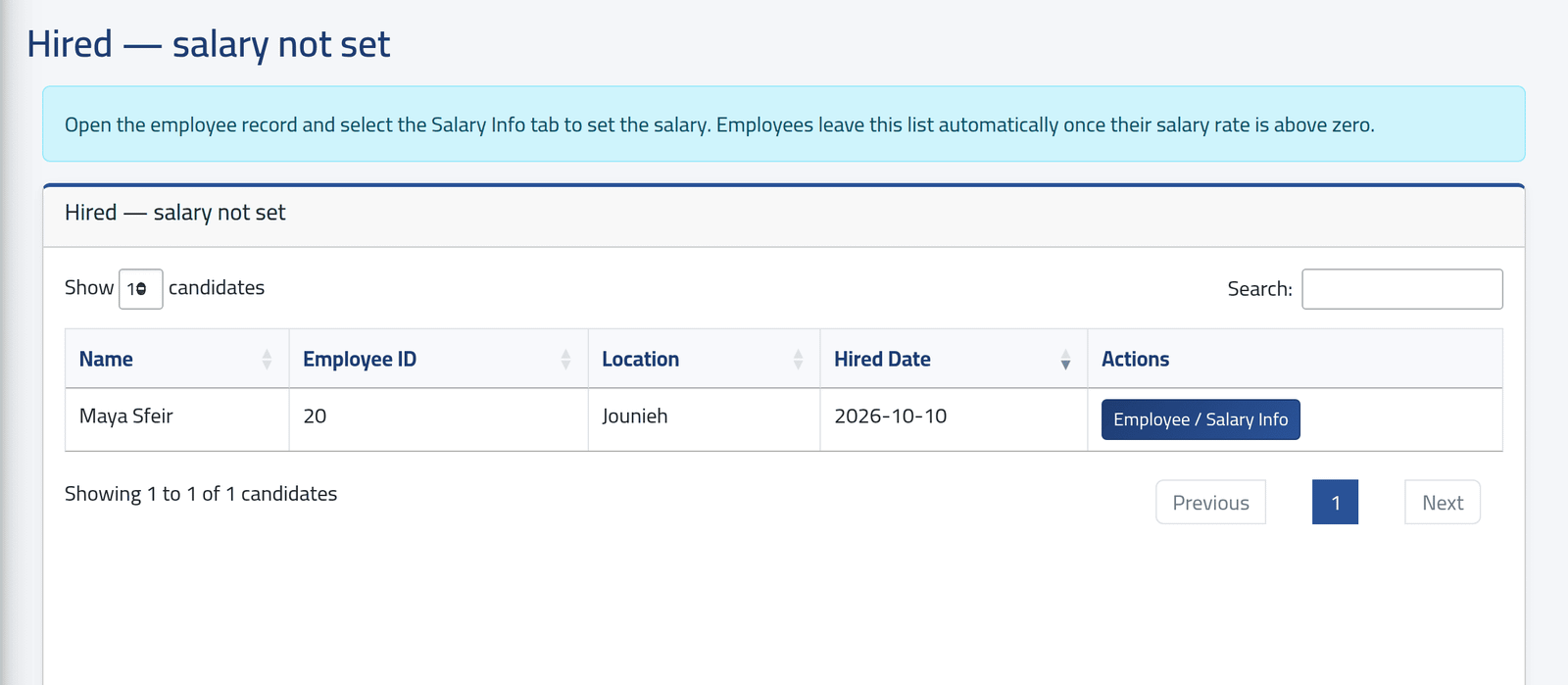
In the menu on the left, under Recruitment, click Salary Pending. The page is titled Hired — salary not set.
Each person with their Employee ID, branch and hire date. In the picture, Maya Sfeir, hired by Rami Azar, who may not set pay.
2Set the pay
Click Employee / Salary Info. The employee’s file opens: set their type, rate and currency in Setting an employee’s pay.
3What the candidate keeps
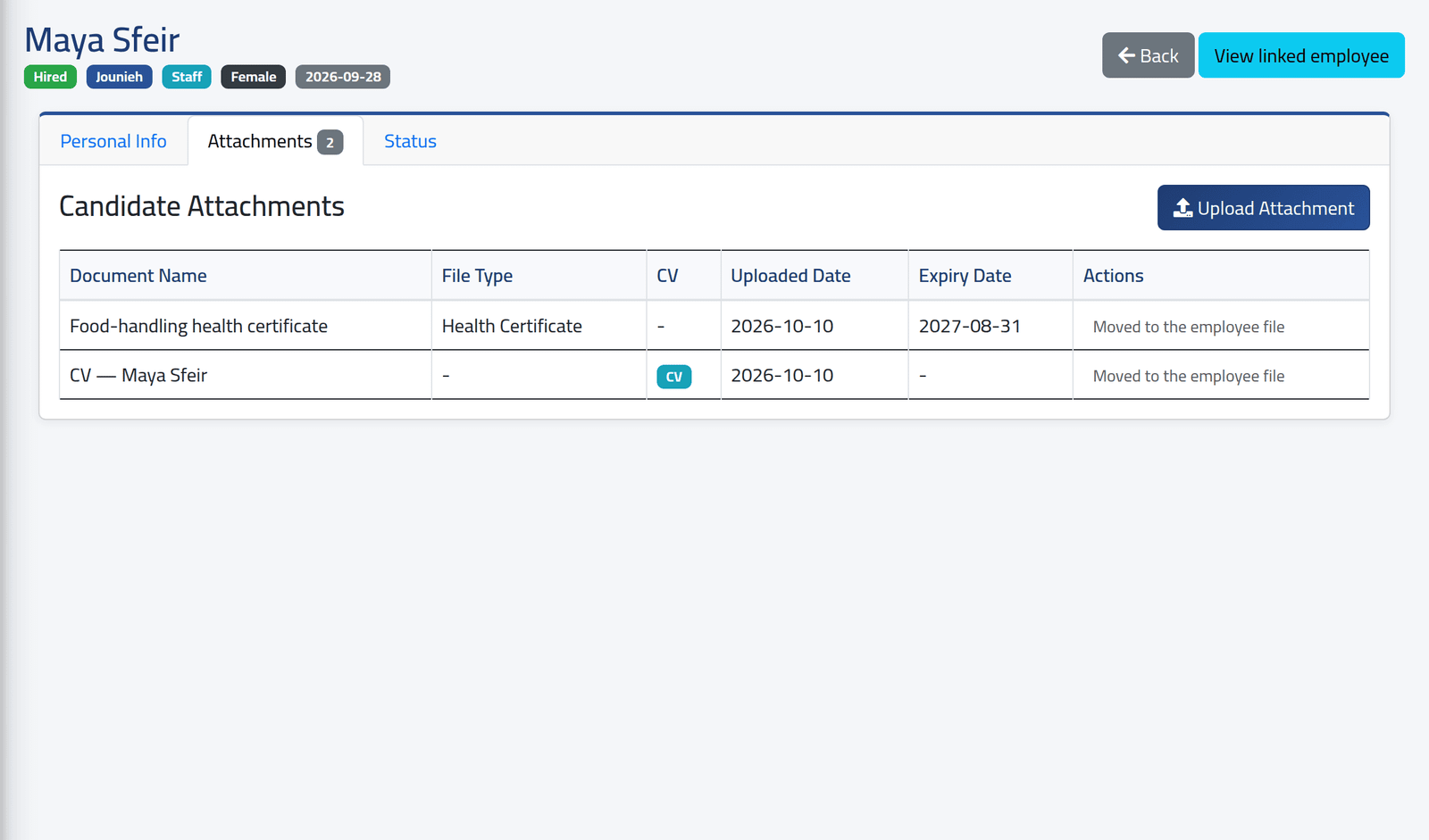
The candidate’s record stays, Hired, with View linked employee; its attachments show Moved to the employee file.
What happens next
Once the rate is above zero, the person leaves the list.
This list is only the hires made without salary rights. Someone hired by an account that may set pay is never listed, even if they were left at zero. Before a salary period closes, check new people’s pay on Reading a salary period as well.
If it goes wrong
| What you see | What it means |
|---|---|
| There is no Salary Pending in the menu | Your account may not set salaries. |
| Someone hired last week is not listed | They were hired by an account that could set pay, or their rate is already above zero. |
| Employee / Salary Info is refused | The employee is in a branch or sub-department your account cannot see. |