ClockWise HRGuideFetching punches from a clocking machine
Fetching punches from a clocking machine
Copy a machine's punches into ClockWise by hand, when the on-site service is not doing it. Punches already copied are skipped. They become attendance on the next two-hourly run — but only for recent days; older days need recalculating.
The server running ClockWise must be able to reach the machine on the network. If it cannot, every action on the machine waits about a minute and then reports that it could not connect.
Your account must be allowed to import logs.
1Import
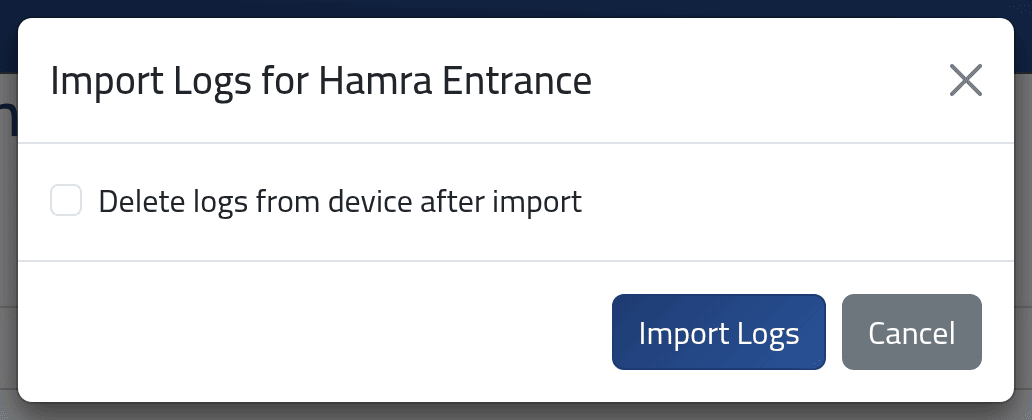
On Terminals, open Actions on the machine and click Import Logs, then Import Logs in the dialog.
ClockWise reads every punch stored on the machine and copies the ones it does not have yet. The message says how many were imported.
Delete logs from device after import does nothing. The punches stay on the machine, ticked or not.
2Look first, if you want
View attendance Logs in the same menu lists what is on the machine now — user number, time and type — without copying anything.
What happens next
The punches are in Reading the punches at once (for machines attached to a branch). The attendance days are worked out from them by ClockWise’s two-hourly run — for each person, from two days before their latest calculated day onwards.
Punches older than that are not picked up automatically. If you import punches from last week — a machine that was offline, say — recalculate those days: see Recalculating a branch. Someone with no calculated days at all yet, such as a new employee, is also skipped by the two-hourly run until their days are calculated once.
If it goes wrong
| What you see | What it means |
|---|---|
| Unable to connect to the machine. after about a minute | The server cannot reach the machine: wrong address, machine off, or a different network. |
| 0 logs imported successfully. | Everything on the machine was already copied. |
| The punches are there but the days still show absences | The days are older than the two-hourly run looks at. Recalculate them. |
| Punches imported for someone are not on their days | Their user number on the machine is not their Employee ID — see Adding a clocking machine. |