ClockWise HRGuideInspection records
Inspection records
Every submitted inspection is kept as a record: its score, how it compares with the branch's previous one, every finding with its note and action plan, and every answer. A record can be downloaded as a PDF, and voided — never deleted.
- An inspector sees only their own records; the office may see everyone’s.
- Downloading the PDF and voiding a record are permissions of their own.
1Find the record
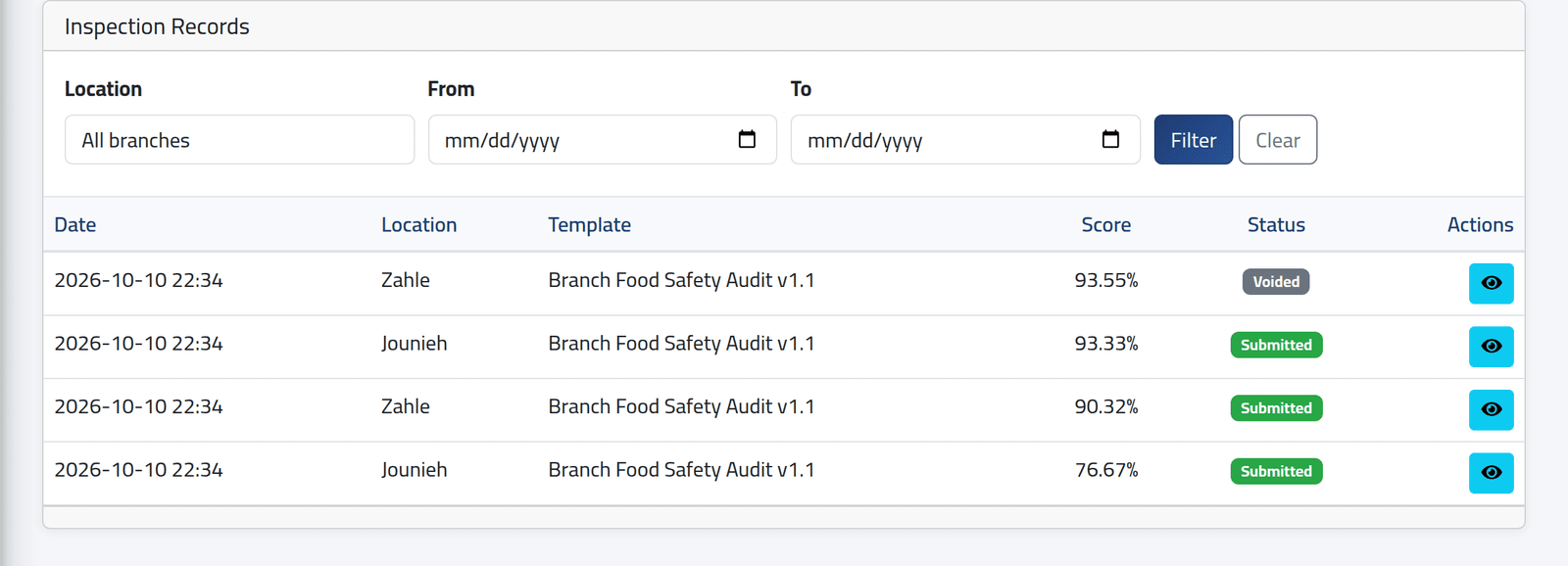
In the menu on the left, under Inspections, click Inspection Records. Filter by branch or by dates, then click the eye on a record. Voided records stay in the list, marked Voided.
2Read it
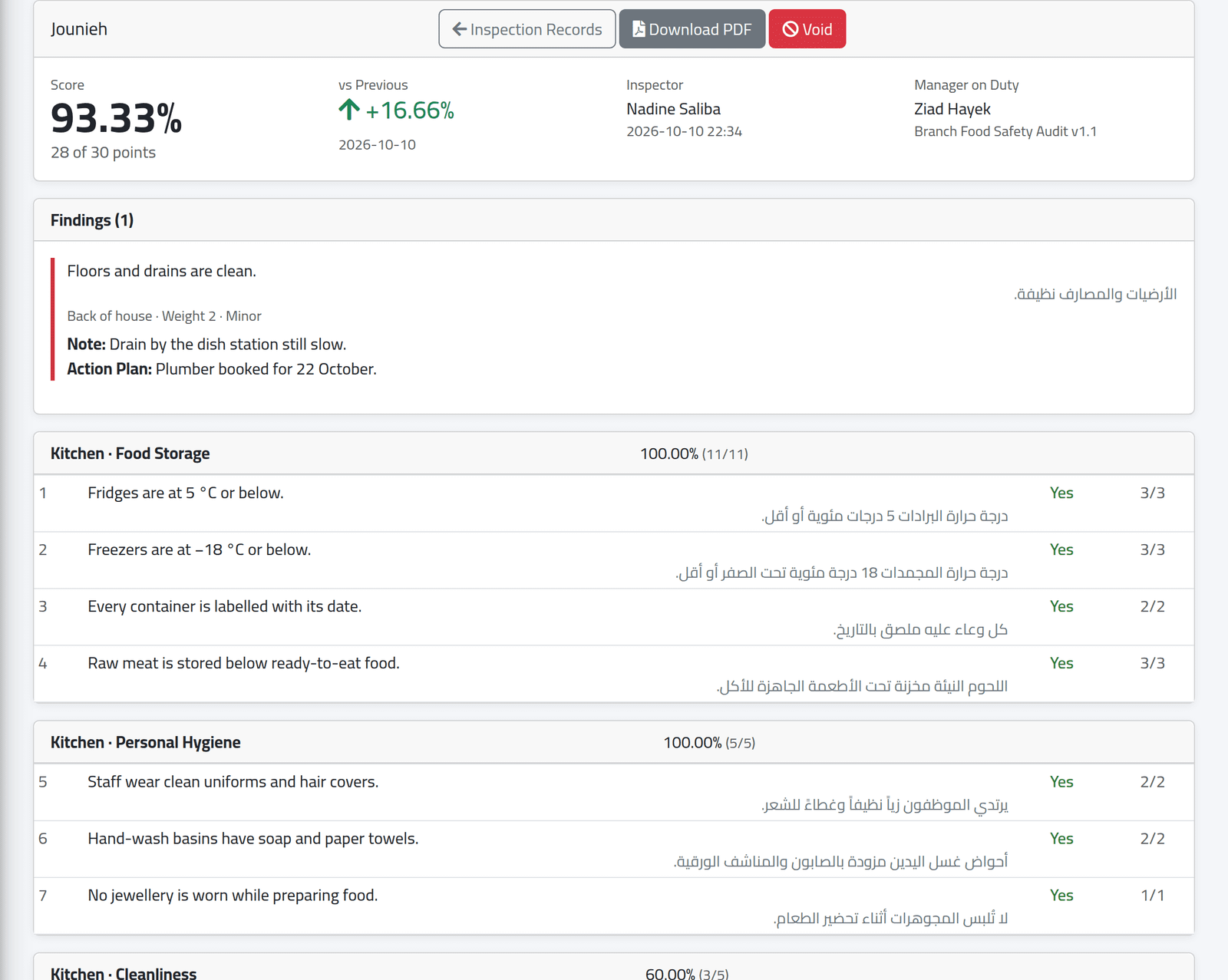
At the top:
- Score — the percentage and the points behind it;
- vs Previous — the change from the last inspection of the same form at the same branch, and its date. Here, Jounieh rose by 16.66 points since the visit before;
- Inspector, when it was submitted, and Manager on Duty.
Findings lists every No, with its weight, severity, note, action plan and photos. Then each category with its score and every question’s answer and points.
Download PDF gives the same record as a document to send on: the questions in English and Arabic, the answers, the notes and action plans, and the score.
3Void a record
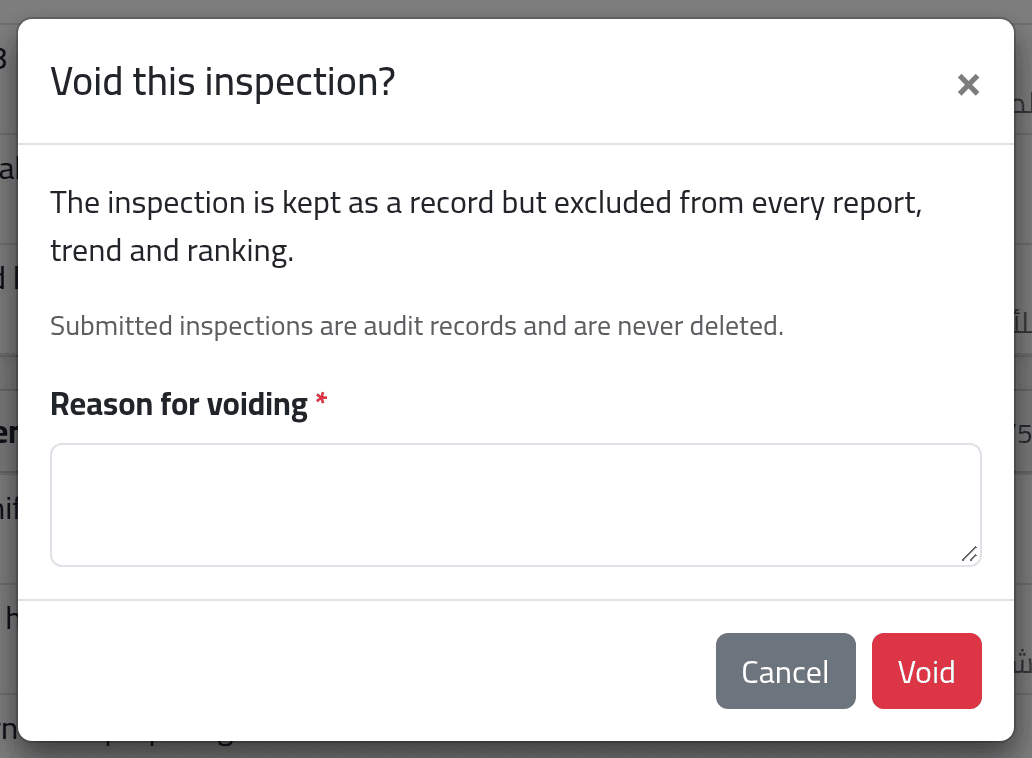
For a record that should not count — submitted at the wrong branch, or for a visit that did not happen — click Void, give the Reason for voiding and click Void.
4A voided record
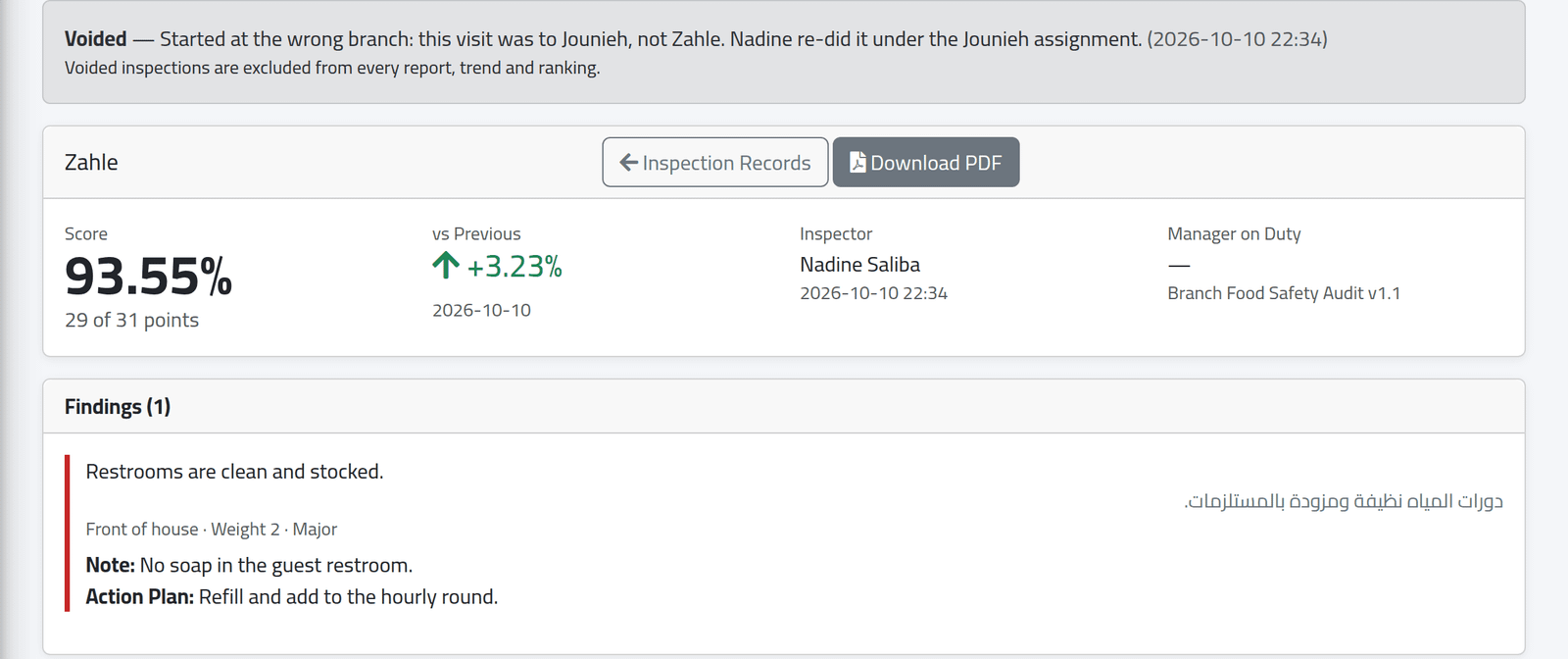
The record stays, with a banner saying who voided it, when, and why.
What happens next
A voided record is left out of every report, trend and ranking, and no longer counts as “previous” for the next inspection. It cannot be restored.
If it goes wrong
| What you see | What it means |
|---|---|
| A record is missing | It belongs to another inspector, and your account sees only its own. |
| No Download PDF | Your account may not export inspection reports. |
| No Void | The record is already voided, or your account may not void records. |
| vs Previous shows no comparison | This is the first inspection of this form at this branch. |