ClockWise HRGuidePaying out tips
Paying out tips
On a closed run, mark each person paid as they collect, or everyone at once. Holding back someone's tips on a closed run does not share them out among the others — the money is left over, for you to add to a later run.
The run must be closed. Print the signature sheet first (see Tips sheets and history): it lists only the people still to be paid.
Paying, dismissing and undoing a dismissal are separate permissions.
1Pay one person
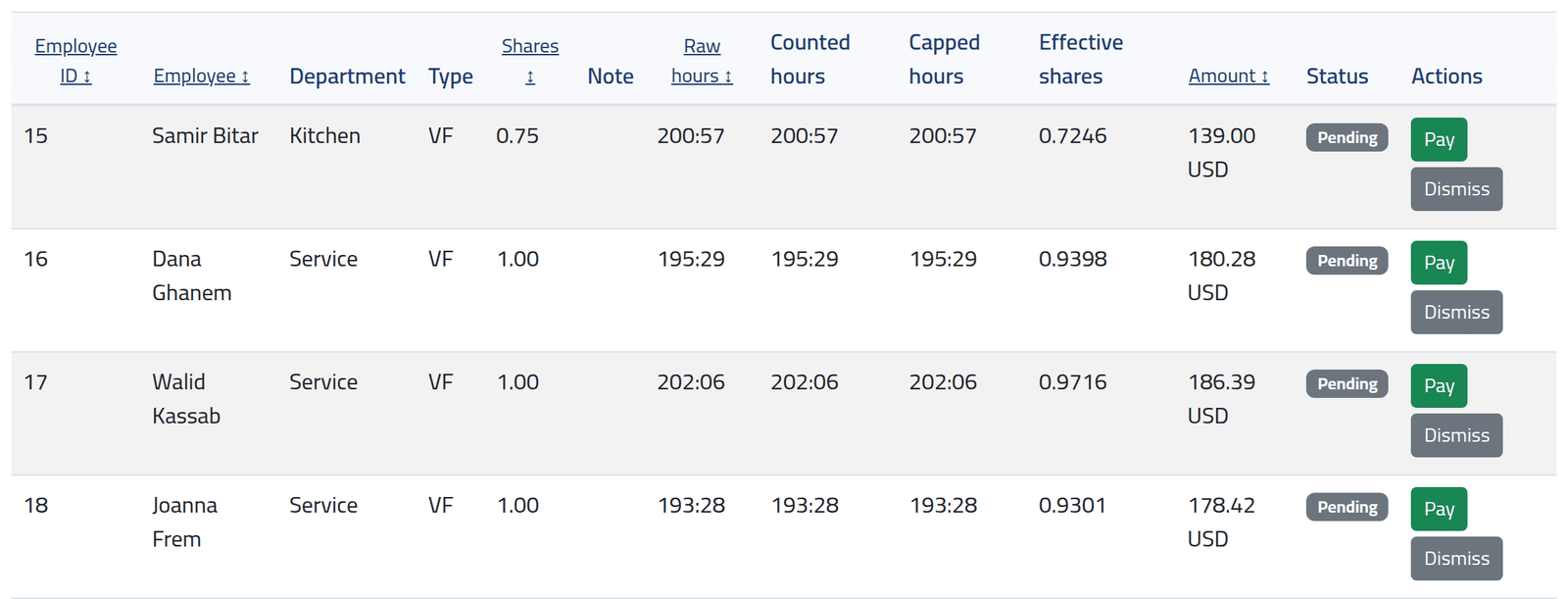
On the closed run, click Pay on the person’s line when they collect. The line shows Paid, by whom and when.
2Hold someone's tips
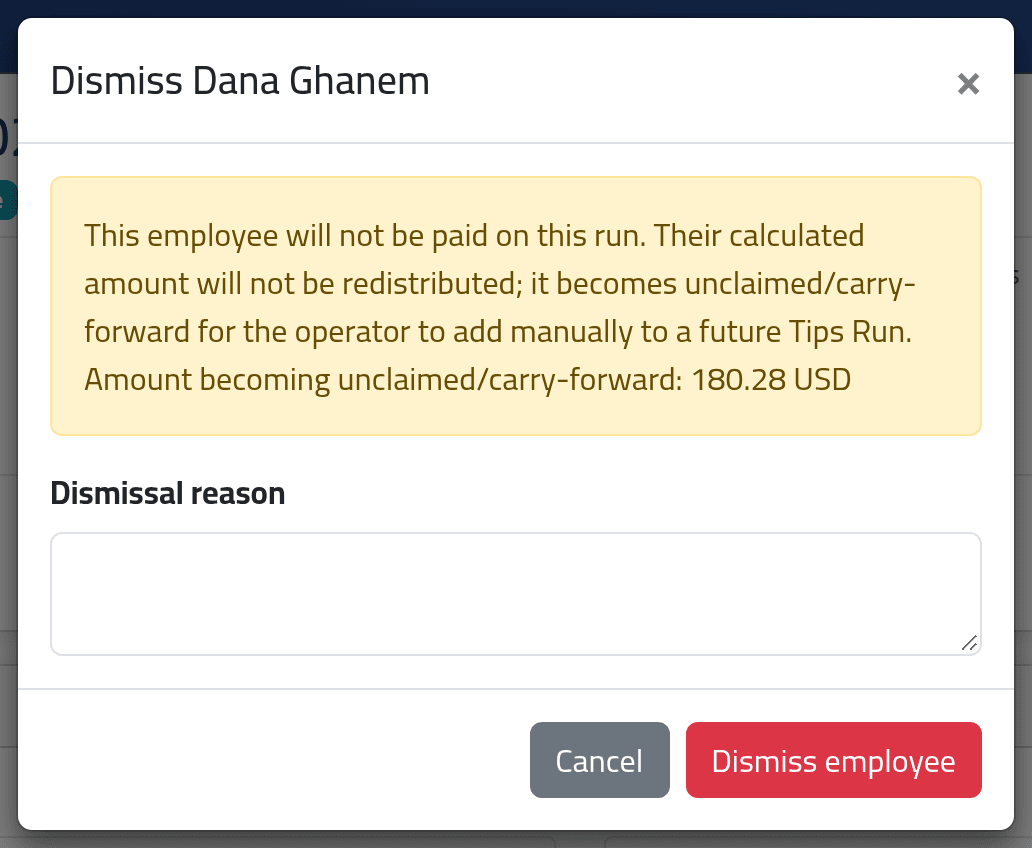
Click Dismiss on their line, give the reason and click Dismiss employee.
On a closed run, a dismissed person’s amount is not shared out. It is shown as Unclaimed (carry-forward) on the run. Nothing carries it anywhere by itself: add it to the next tips box by hand — or, if they will be paid it later, use Undo Dismiss on their line and pay it then.
On a draft, by contrast, dismissing shares their amount out among the others — see Changing a draft run.
3Pay everyone left
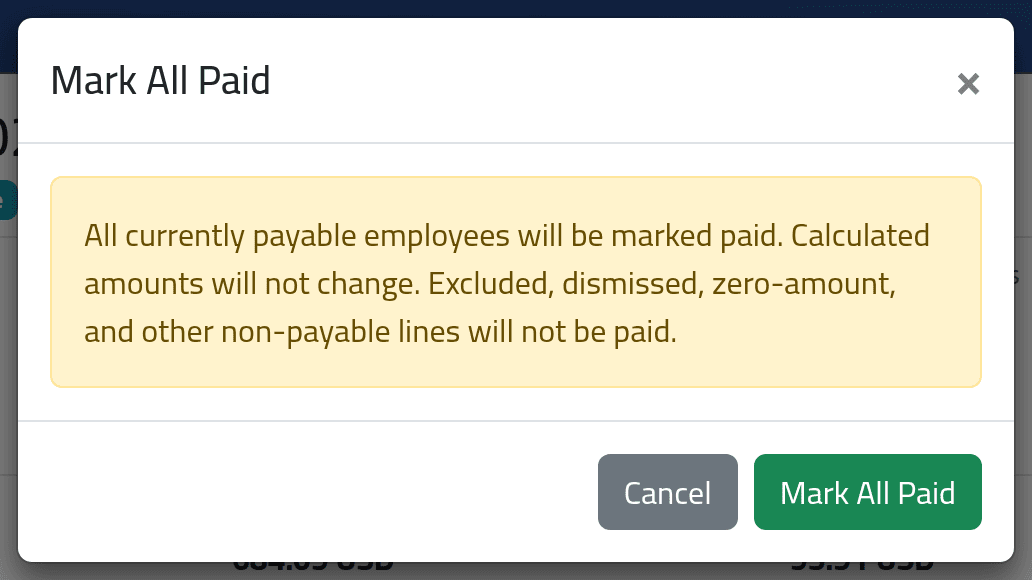
Mark All Paid, then Mark All Paid, marks every payable line paid — not those dismissed, below the minimum or at zero.
What happens next
Paying records the payment; it does not move any money, and no salary changes. A payment cannot be undone, and a run with a payment can no longer be reopened or deleted.
If it goes wrong
| What you see | What it means |
|---|---|
| No Pay on a line | It is paid, dismissed, below the minimum or zero — or the run is a draft. |
| Tips can only be paid from a closed run. | Close it first. |
| A line was marked paid by mistake | Nothing in ClockWise reverses it. |